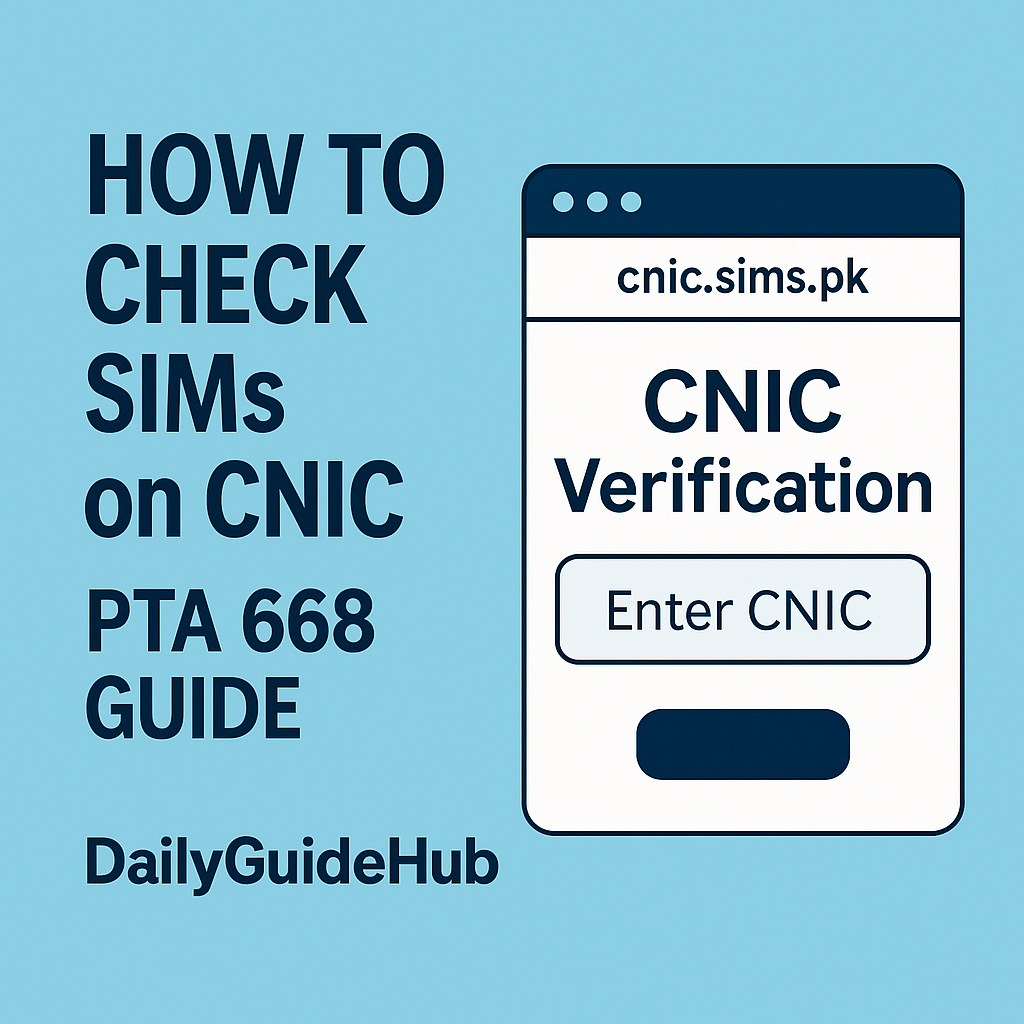
Check SIMs Registered on Your CNIC (PTA 668 Guide)
Want to know how many mobile SIMs are registered on your CNIC? You can check SIMs on CNIC easily using PTA’s SIM Information System (668). Using this service, you can quickly check all SIMs issued on your ID card by SMS or online, and block any numbers you don’t recognize. In this updated guide, we’ll explain how to check SIMs on your CNIC via 668, website, and other official methods, step by step.
What Is PTA SIM Information System (668)?
Pakistan Telecommunication Authority (PTA) has introduced the SIM Information System (668) so that every citizen can see how many SIMs are registered on their CNIC with each mobile network.
According to PTA, you can check this:
- By sending your CNIC (without dashes) to 668 via SMS, or
- By visiting the official website cnic.sims.pk and entering your CNIC there.
This system helps you:
- Find extra or unknown SIMs issued on your ID
- Get those SIMs blocked if they’re not yours
- Stay safe from fraud, fake accounts, and misuse of your CNIC
Method 1 – Check SIMs Registered on Your CNIC via SMS (668)
Many users prefer this method when they want to check SIMs on CNIC quickly without using the internet.
Steps:
- Open the Messages / SMS app on your mobile.
- Type your 13-digit CNIC number without dashes.
- Example:
3520212345678
- Example:
- Send this SMS to 668.
- You will receive an SMS reply showing:
- Total number of SIMs registered on your CNIC
- Breakup by each operator (Jazz, Zong, Ufone, etc.)
Note:
- A small SMS charge applies (as per PTA / operator rates).
- Always send from a SIM that is already in your name, not from someone else’s CNIC.
Method 2 – Check SIMs Online on PTA Website (cnic.sims.pk)
If you prefer using the internet instead of SMS, you can check your SIMs online using the official SIM Information System website.
Steps:
- Open any browser on your mobile or computer (Chrome, Edge, etc.).
- Go to the official website: cnic.sims.pk
- Make sure “CNIC” is selected.
- Enter your 13-digit CNIC number (without dashes).
- Complete the captcha / verification shown on the page.
- Click Submit.
The website will show you:
- Total number of active SIMs on your CNIC
- How many SIMs you have for each mobile network
For foreign nationals, there is a “Foreign ID” option where they can enter their passport/ID instead of CNIC.
Method 3 – Check Verification Status of Your CNIC (6001)
PTA also provides a way to check whether your CNIC itself is verified in their system.
Steps:
- Use a SIM already registered on your own CNIC.
- Open the SMS app and type your CNIC number.
- Send it to 6001.
- You will receive a reply confirming the verification status of your CNIC.
This is useful if you want to double-check that your CNIC data is properly updated and verified in PTA records.
What to Do If You See Unknown SIMs on Your CNIC?
If you find SIMs that you don’t recognize, you should act immediately:
- List down all unknown numbers and operator names.
- Visit the nearest franchise / customer service center of that operator (Jazz, Zong, Ufone, Telenor, etc.).
- Take your original CNIC with you.
- Request them to block all SIMs that you did not purchase or are not using.
- Ask them to give you written confirmation or SMS that the SIMs have been blocked.
If your issue is not resolved, you can also file a complaint through PTA’s official channels (website or helpline).
Safety Tips & Important Warnings
- Never share your CNIC and SIM details on unknown websites, WhatsApp groups, or fake “SIM data” apps.
- Only use official PTA channels like 668, cnic.sims.pk, or operator service centers.
- If someone offers “full SIM details” (calls, messages, etc.), it is illegal and a scam. Avoid such services.
- Regularly check SIMs on your CNIC to ensure nobody is misusing your identity.
- If you suspect fraud, immediately block unknown SIMs and consider filing a complaint with PTA or local authorities.
Frequently Asked Questions (FAQs)
Q1. How many SIMs can be registered on one CNIC in Pakistan?
Answer:
According to PTA rules, a maximum of 5 SIMs can be registered on one CNIC across all mobile networks in Pakistan.
Q2. Is it free to check SIMs on CNIC through 668?
Answer:
No. A small SMS charge applies when sending your CNIC to 668, depending on your mobile network and operator rates.
Q3. Can I check SIMs registered on my CNIC online without SMS?
Answer:
Yes. You can visit the official PTA website cnic.sims.pk and enter your CNIC number (without dashes) to check SIMs registered on your ID.
Q4. What should I do if I see an unknown SIM on my CNIC?
Answer:
You should visit the nearest customer service center of the relevant mobile operator with your original CNIC and request them to block the unauthorized SIM.
Q5. Can foreign nationals check SIMs registered on their ID in Pakistan?
Answer:
Yes. Foreign nationals can use the Foreign ID option on cnic.sims.pk and enter their passport or ID details instead of a CNIC.
For more telecom-related guides, visit our Telecom & PTA Guides section on DailyGuideHub.